



How to check if you are listed in Spamhaus PBL?
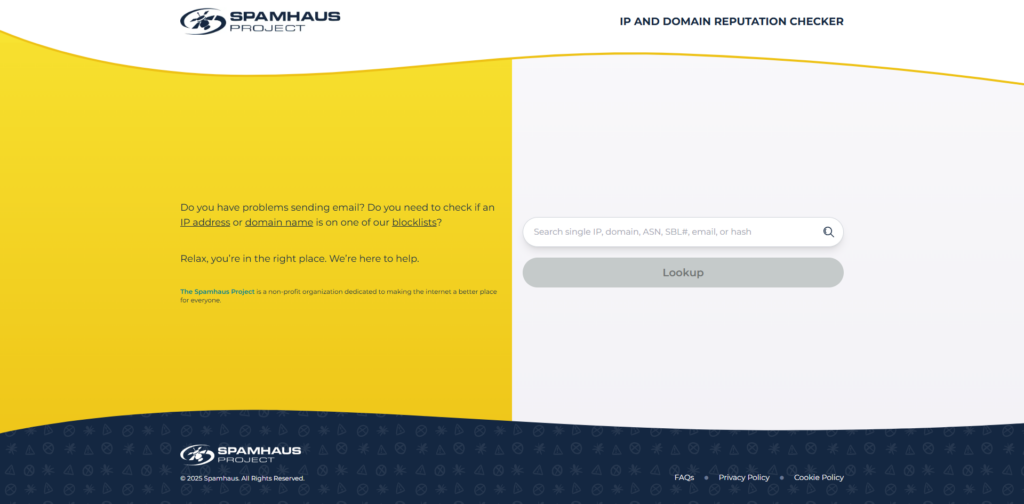
- Please visit: https://check.spamhaus.org/
- Enter your IP / Domain to check
How to remove a Domain/IP address from Spamhaus PBL?
- Verify Your PTR Record: Ensure your IP resolves to a professional hostname (e.g., mail.yourdomain.com). Spamhaus will often reject PBL removals if the IP still has a generic ISP hostname.
- Please visit: https://check.spamhaus.org/
- If the IP is listed on the PBL, click the “Show Details” button.
- Follow the provided link to the Removal Form.
- Provide a valid Email Address (you must have access to this to confirm the request).
- Explain the specific corrective actions you have taken (e.g., “Secured a compromised web form” or “Updated vulnerable plugins”).
- Confirm: Check your email for a message from Spamhaus and click the confirmation link to finalize the process.
- Wait Time: Approved removals typically propagate within minutes, but can take up to 24 hours to reflect across all worldwide mail servers.