


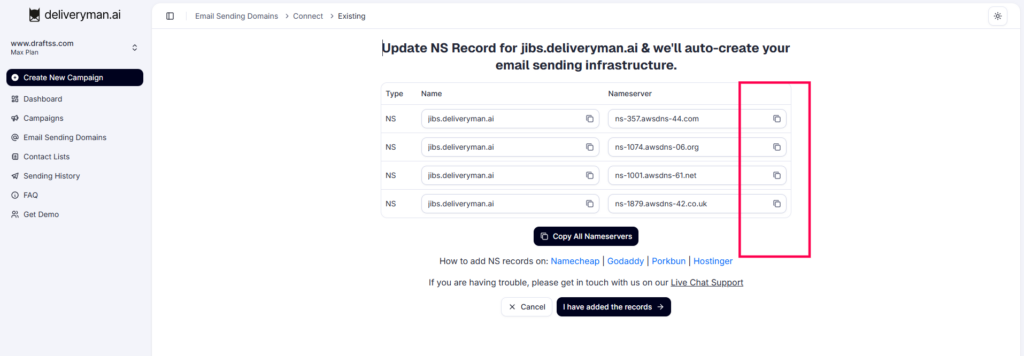
1. Find your NS records from your DeliverymanAI Dashboard & Copy them
- Start by navigating to Email Sending Domains in your DeliverymanAI dashboard and clicking ‘Add New Domain’
- In the next step, enter the domain you want to use for sending emails and click Proceed
- Now, update the Nameserver (NS) records of your domain at your domain registrar
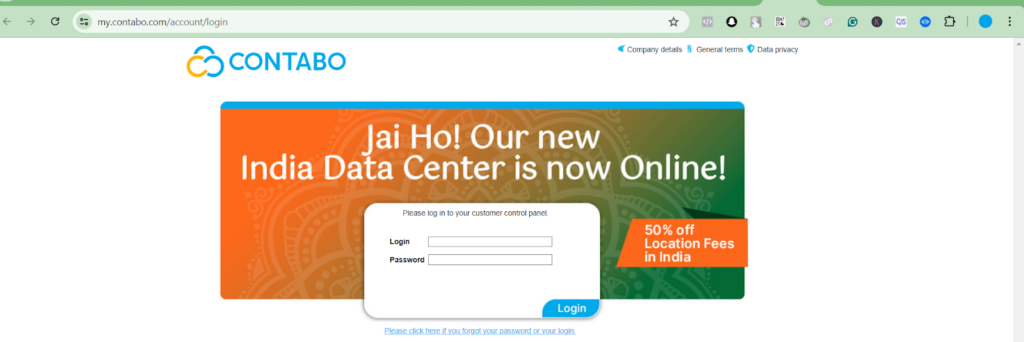
2. Log in to your Contabo account & go to DNS Zone Management
- Go to Contabo & log in to your account
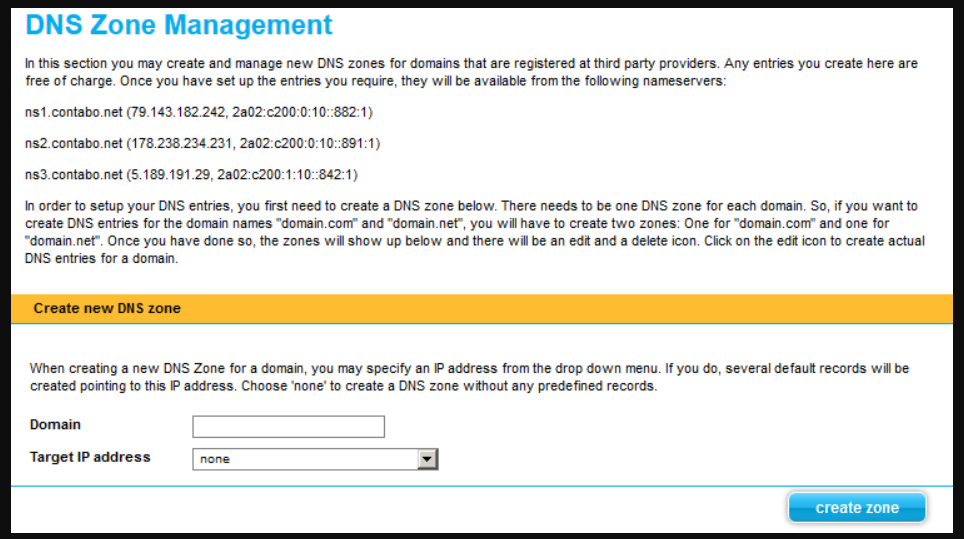
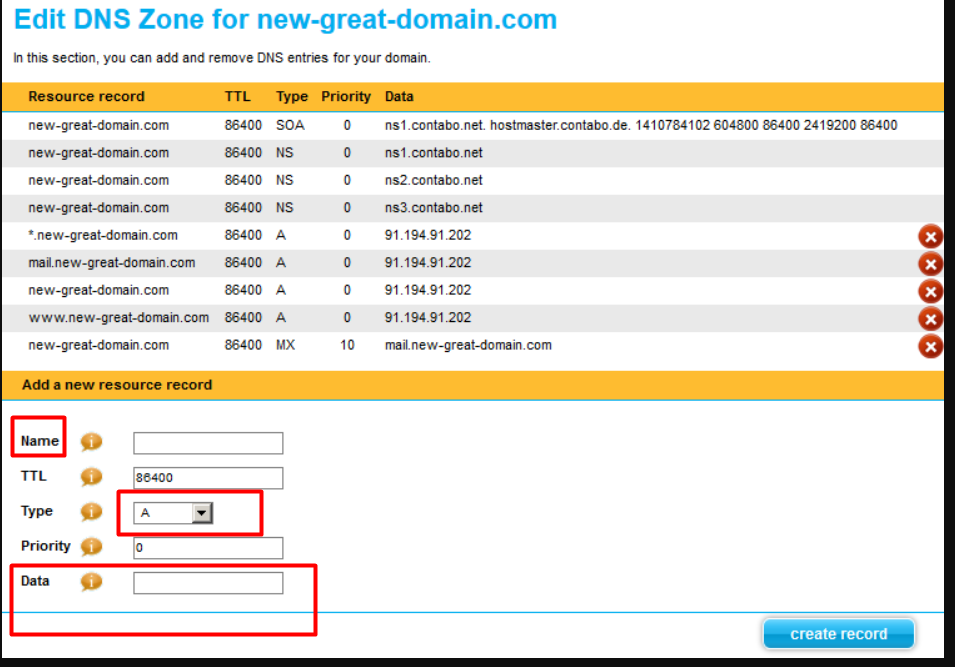
- Click on DNS Zone Management.
3. Paste/Replace Old Nameservers
- Click on Add Record
- Choose the NS type of record. Enter the NS Record based on the information provided in the DeliverymanAI set-up window
- Repeat for all 4 NS records provided by DeliverymanAI
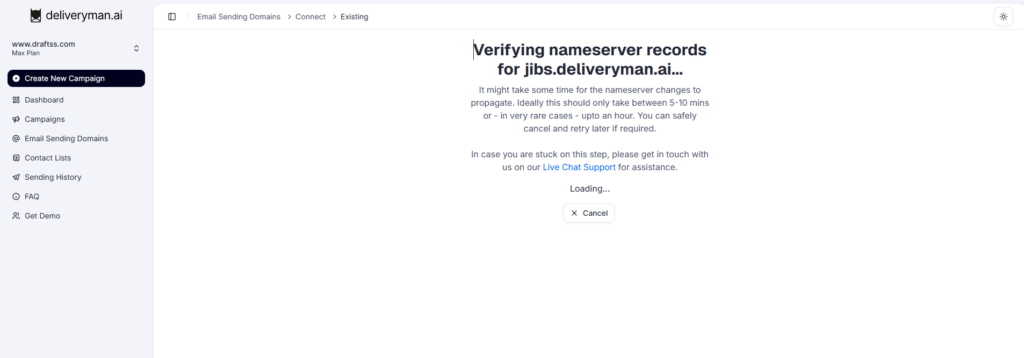
4. Wait for Contabo to propagate
- It takes around 5-10 minutes for the NS Records to propagate through registrars like Contabo
- After propagation, DeliverymanAI automatically creates subdomains and email addresses
- Once done, DeliverymanAI prepares the domain for reputation building and email infrastructure setup