



How to check if you are listed in Blocklist.de?
- Go to https://www.blocklist.de/en/delist.html?hl=hi-IN
- Enter your IP address. If listed, it will show:
– The type of attack (e.g., ssh, postfix, bruteforce).
– The timestamp of the last incident.
– The number of reports received against your IP.
How to remove a Domain/IP address from Blocklist.de?
- Blocklist.de uses a combination of automatic expiration and manual removal.
- Automatic Removal: If the attacks from your IP stop, your IP will automatically expire from the active list. The standard timeout is usually 48 hours after the last reported incident.
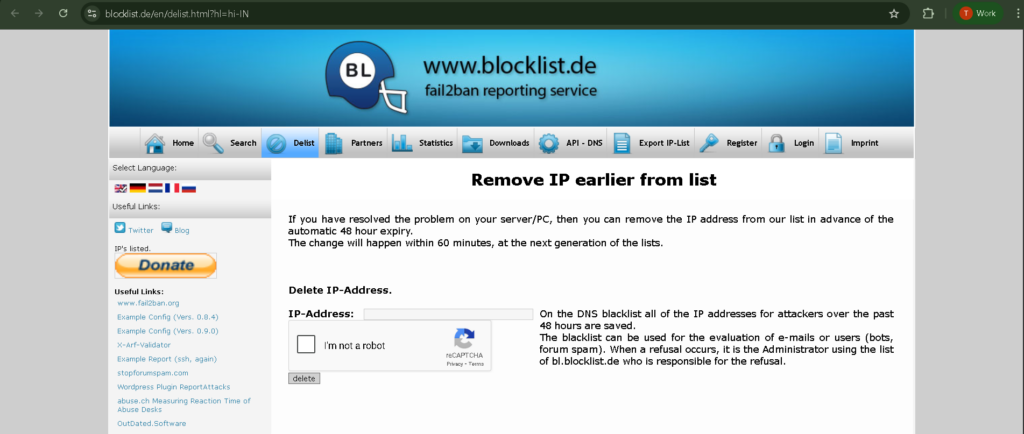
- Manual “Express” Delisting: If you have fixed the security hole and don’t want to wait 48 hours.
– Go to the Blocklist.de Delist page.
– Enter the IP address and complete the captcha.
– Click “Delete”. - Timeline: Your IP is usually removed from their API and DNS records within 60 minutes.